
Period tracker for iOS
The period tracker with nothing to sync.
What you log is encrypted with a key locked to your phone. There is no account to make and no server to trust.

On Android? The Google Play version is older and does not encrypt your data. New releases are moving off Google Play. Follow along on GitHub.
A look inside
Scroll sideways
-
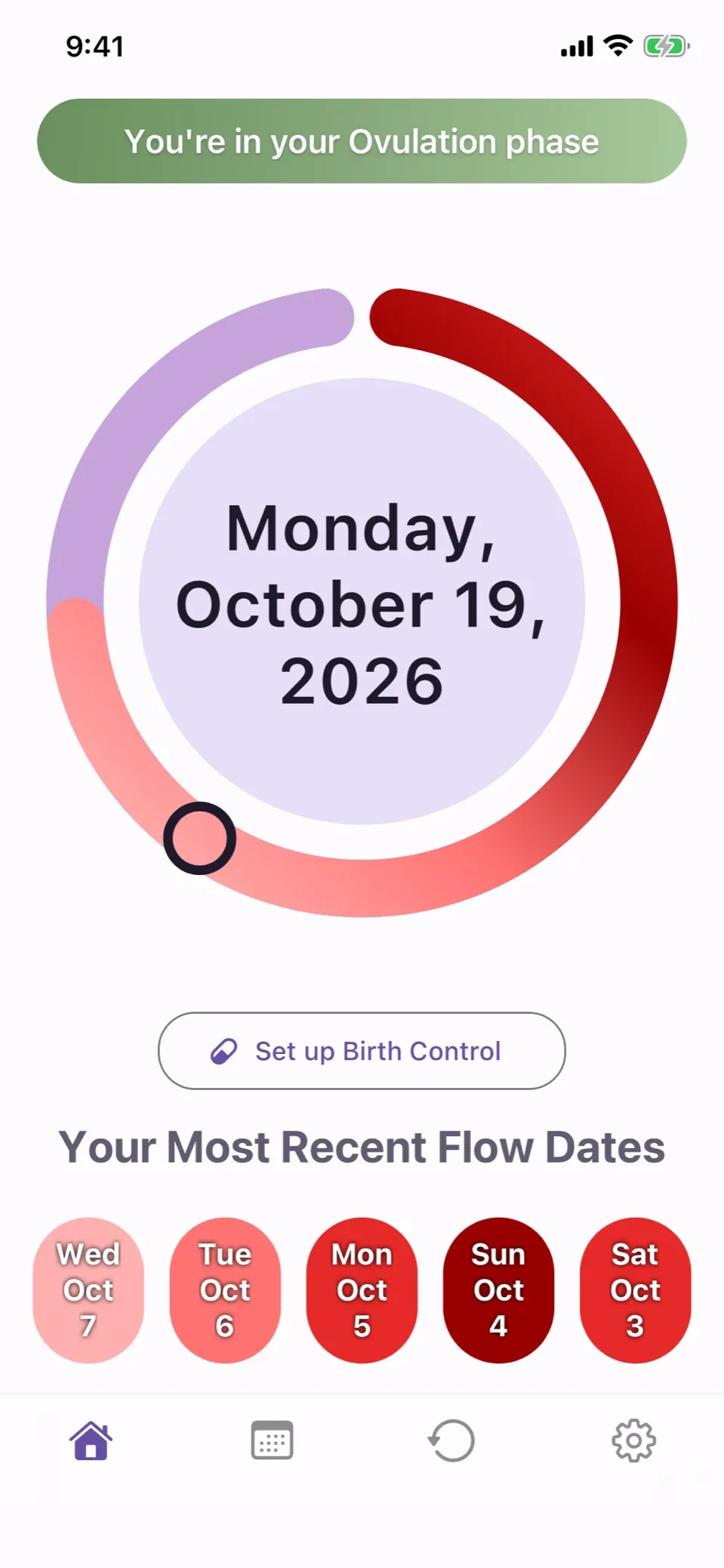
Today at a glance
Where you are in your cycle and your latest period, on one screen.
-
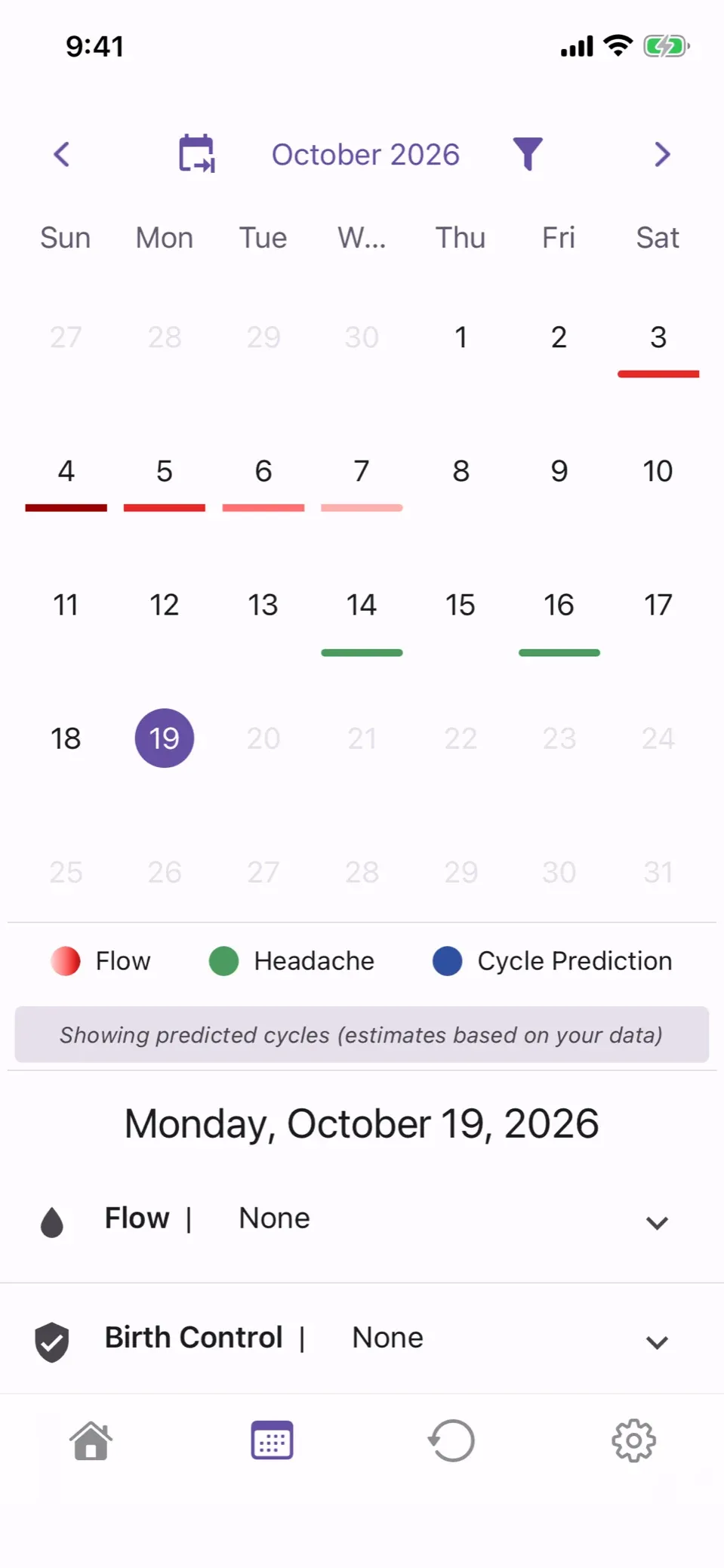
Your month, marked
Flow and the symptom you choose, under each day.
-
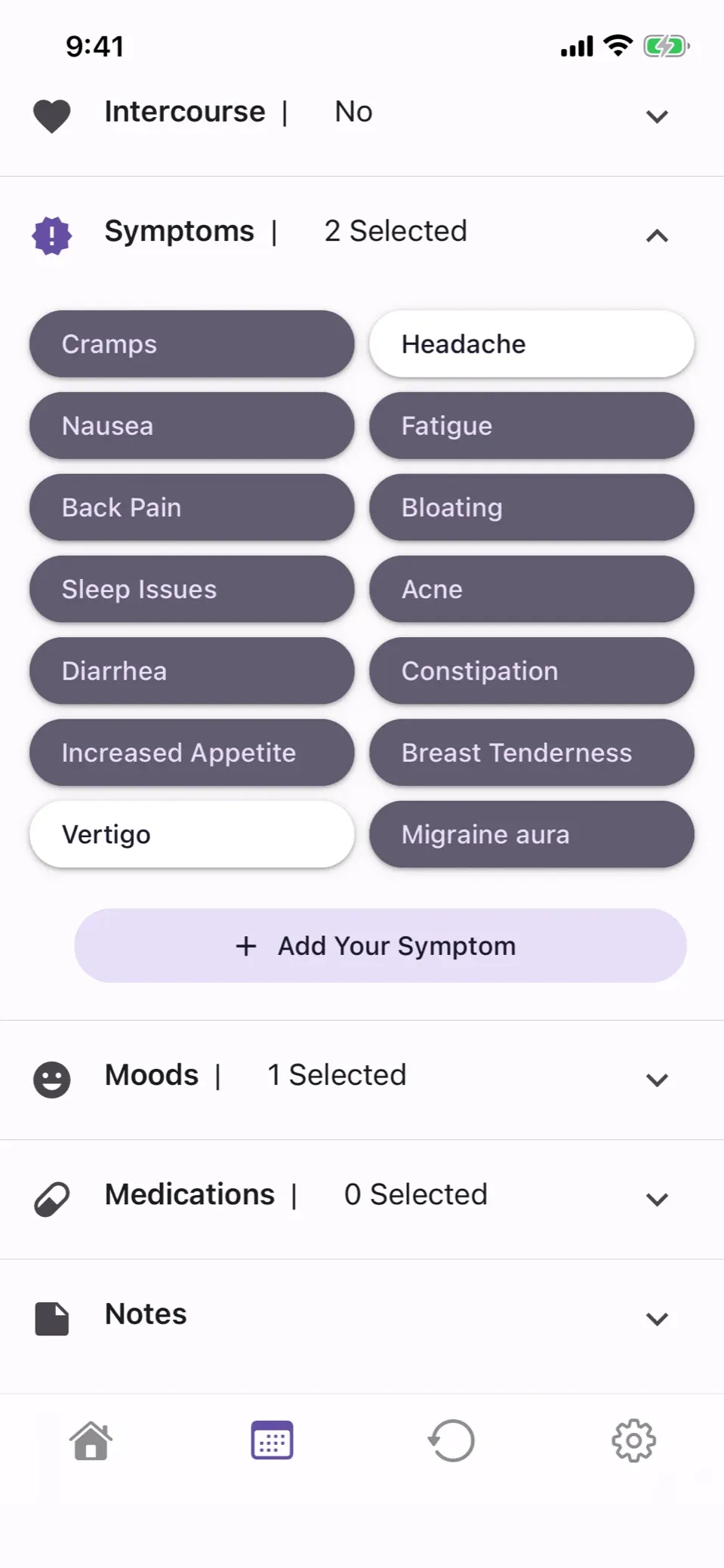
Log in a tap
Flow, symptoms, moods, medications, birth control, intercourse and notes.
-
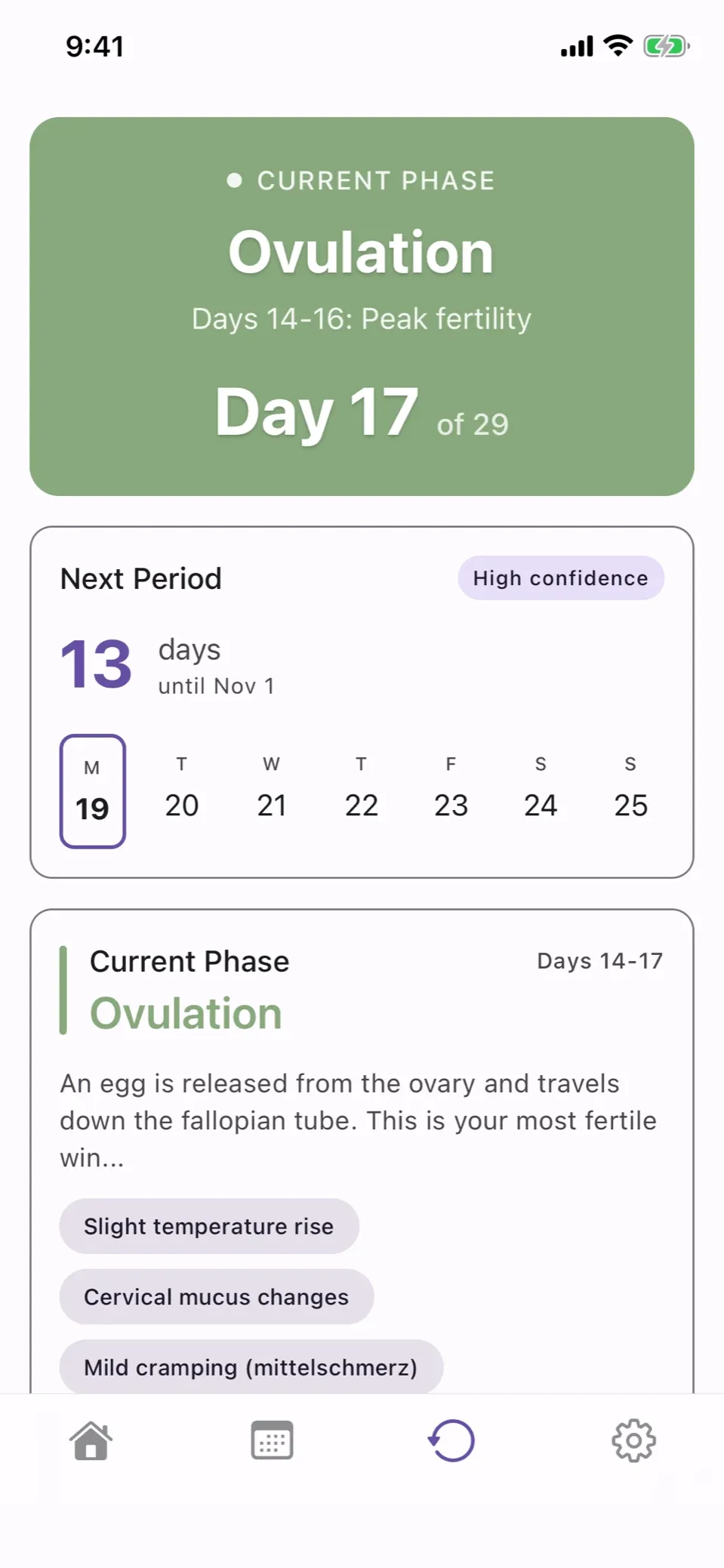
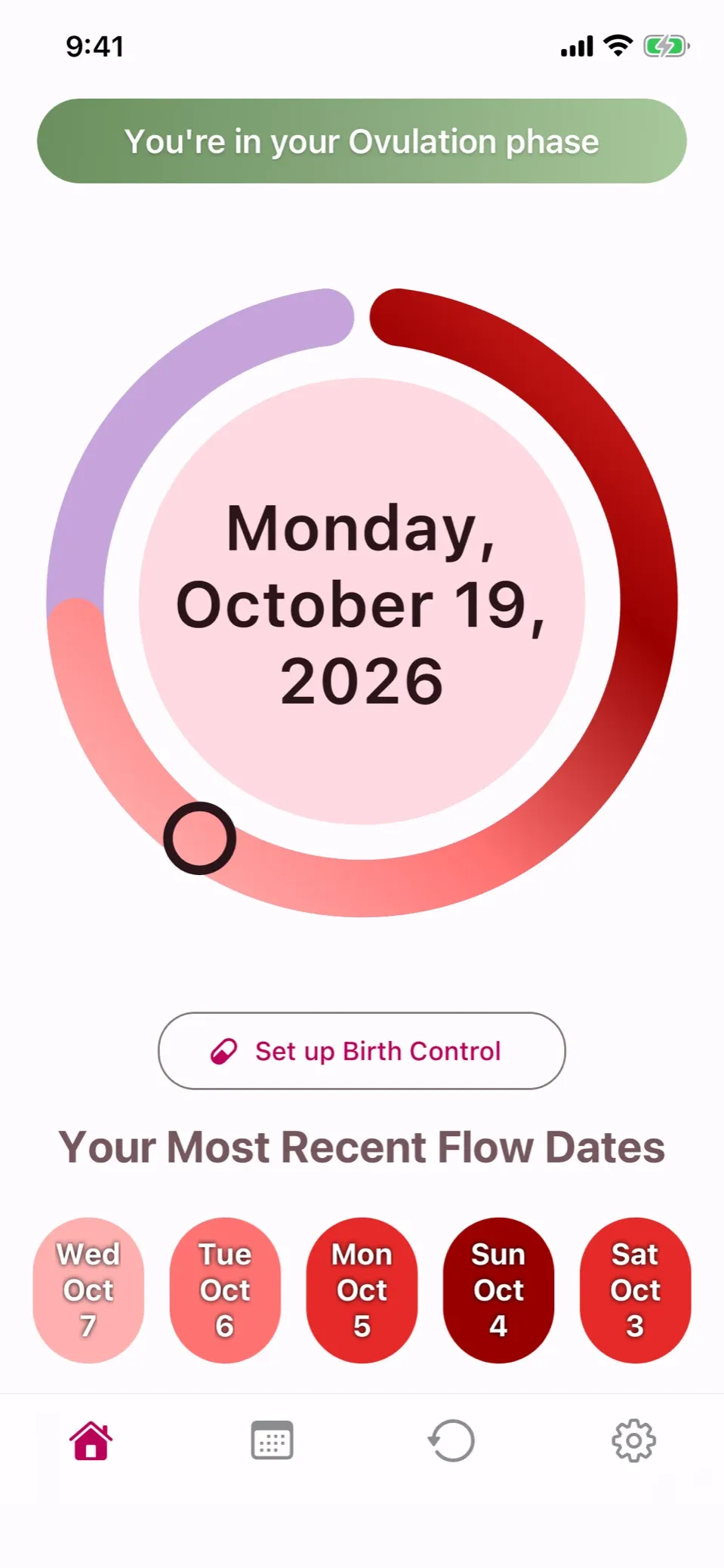
Know your cycle
Your phase, the day of your cycle, and when your next period should start.
-
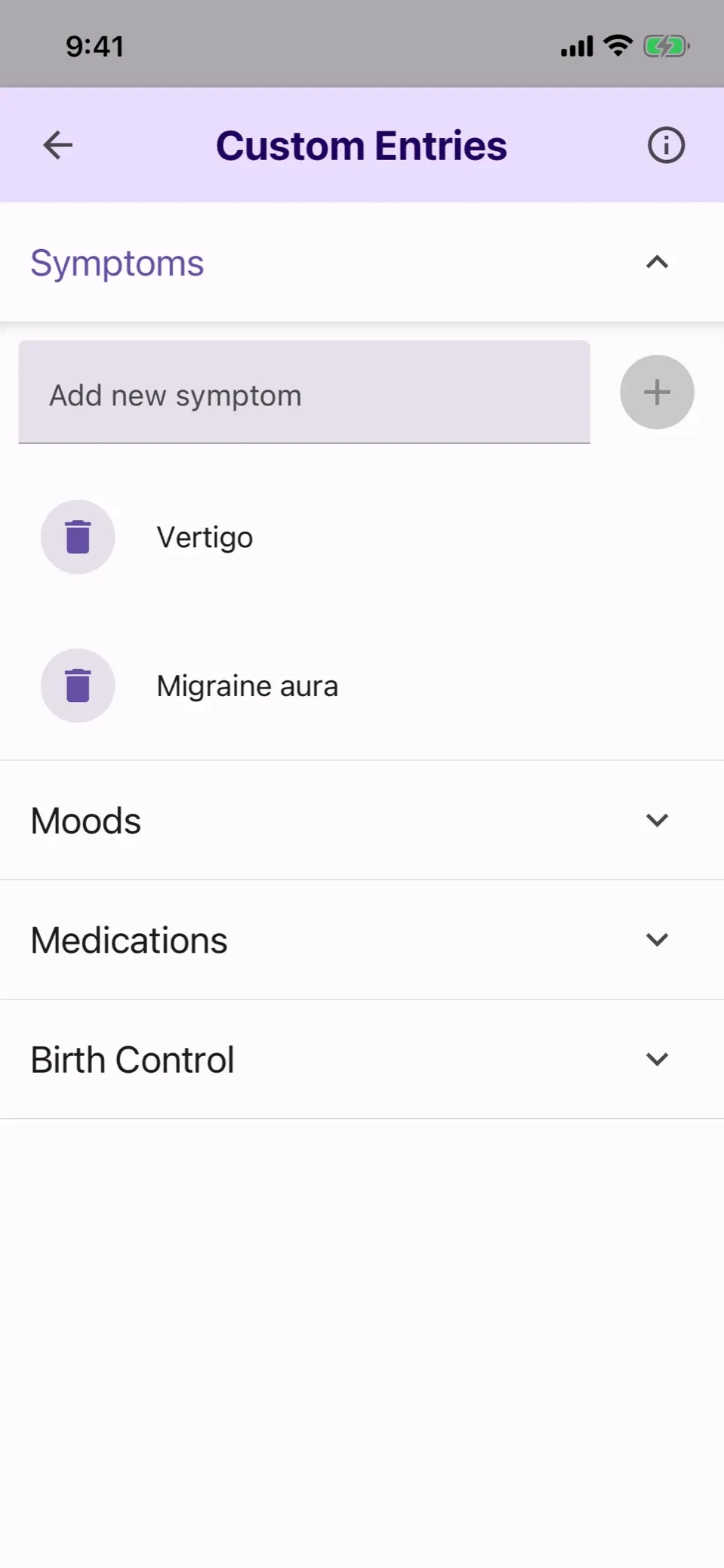
Add your own entries
Track a symptom, mood or medication the app did not think of.
-
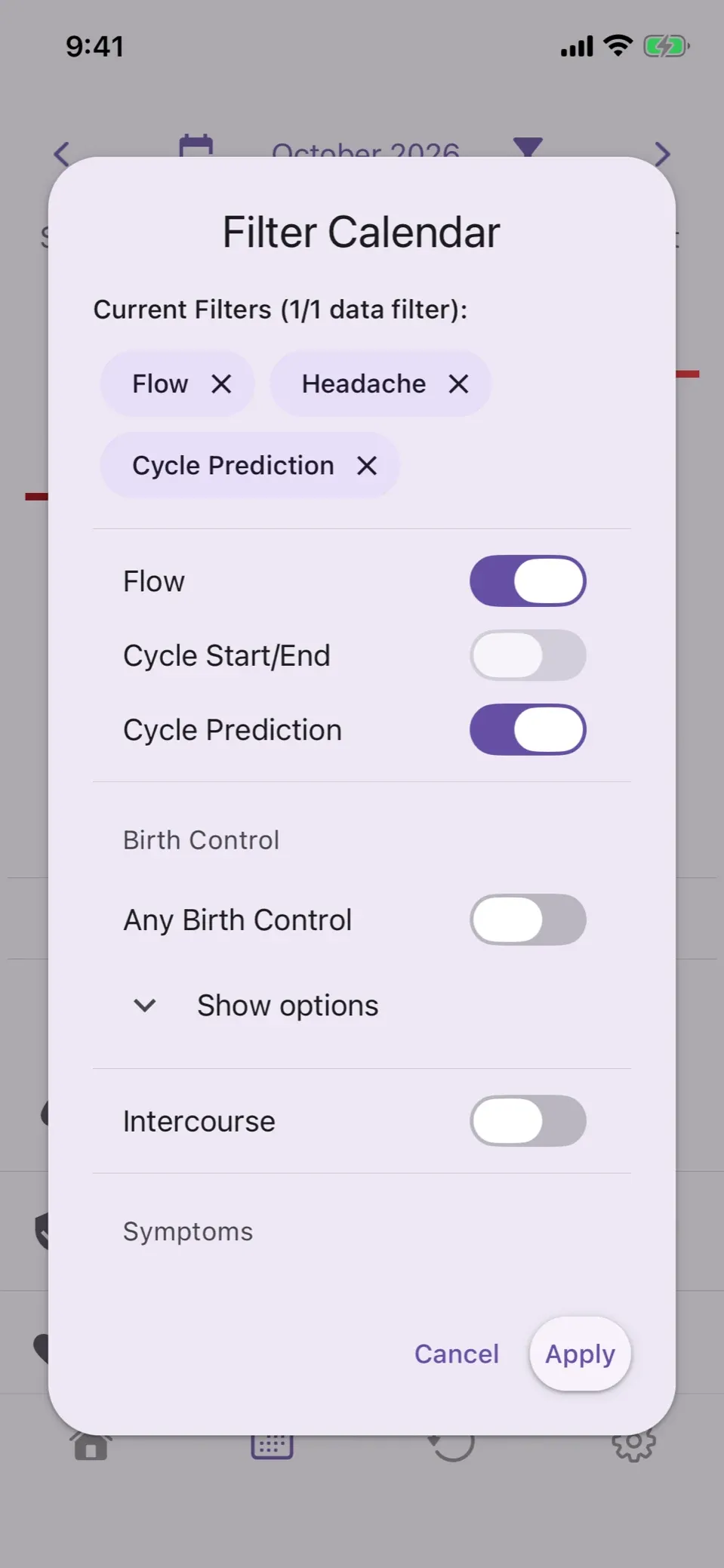
Choose what you see
Filter the calendar down to what matters to you.
-
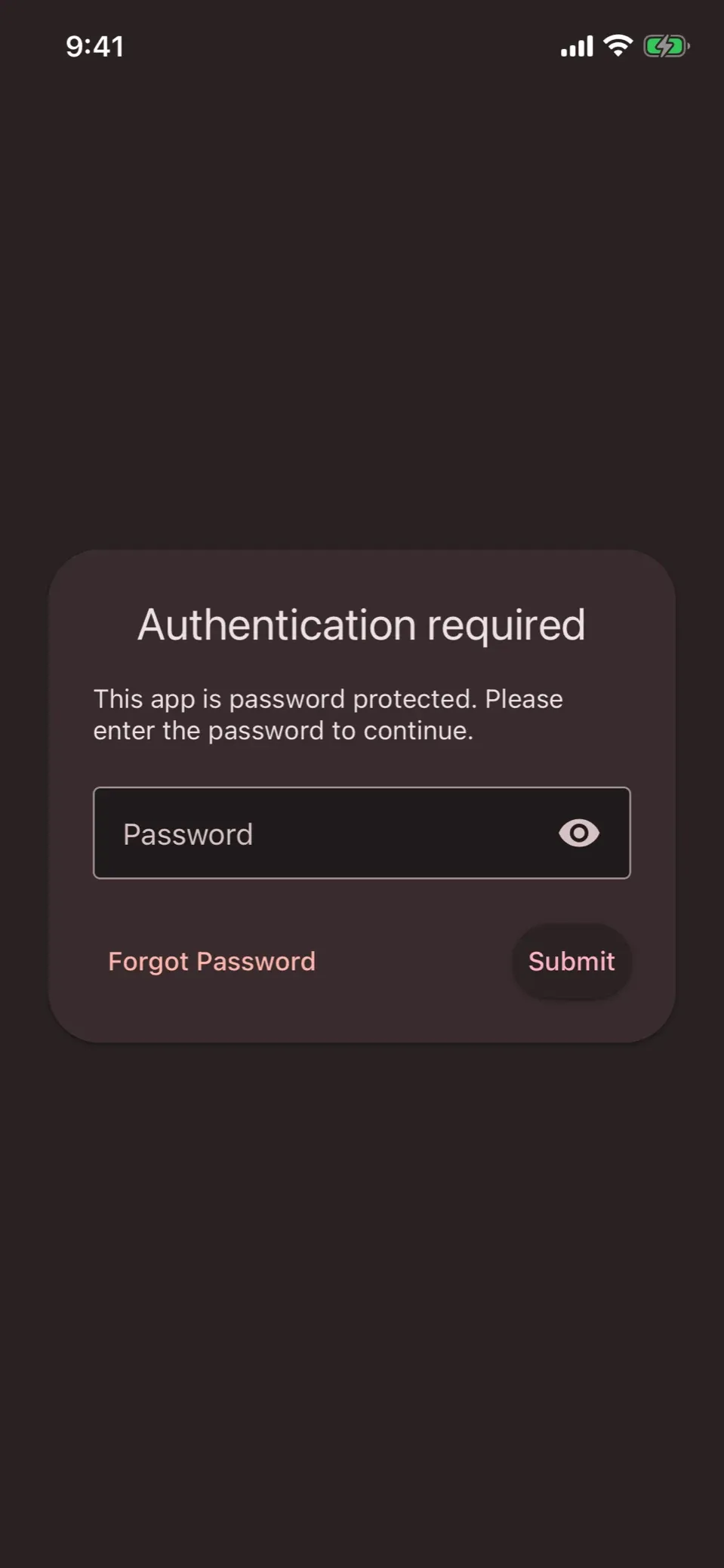
Lock it
Your phone's own unlock, passcode included, or a password just for ephira.
-
Make it yours
Six colour themes, light or dark to match your phone.
-
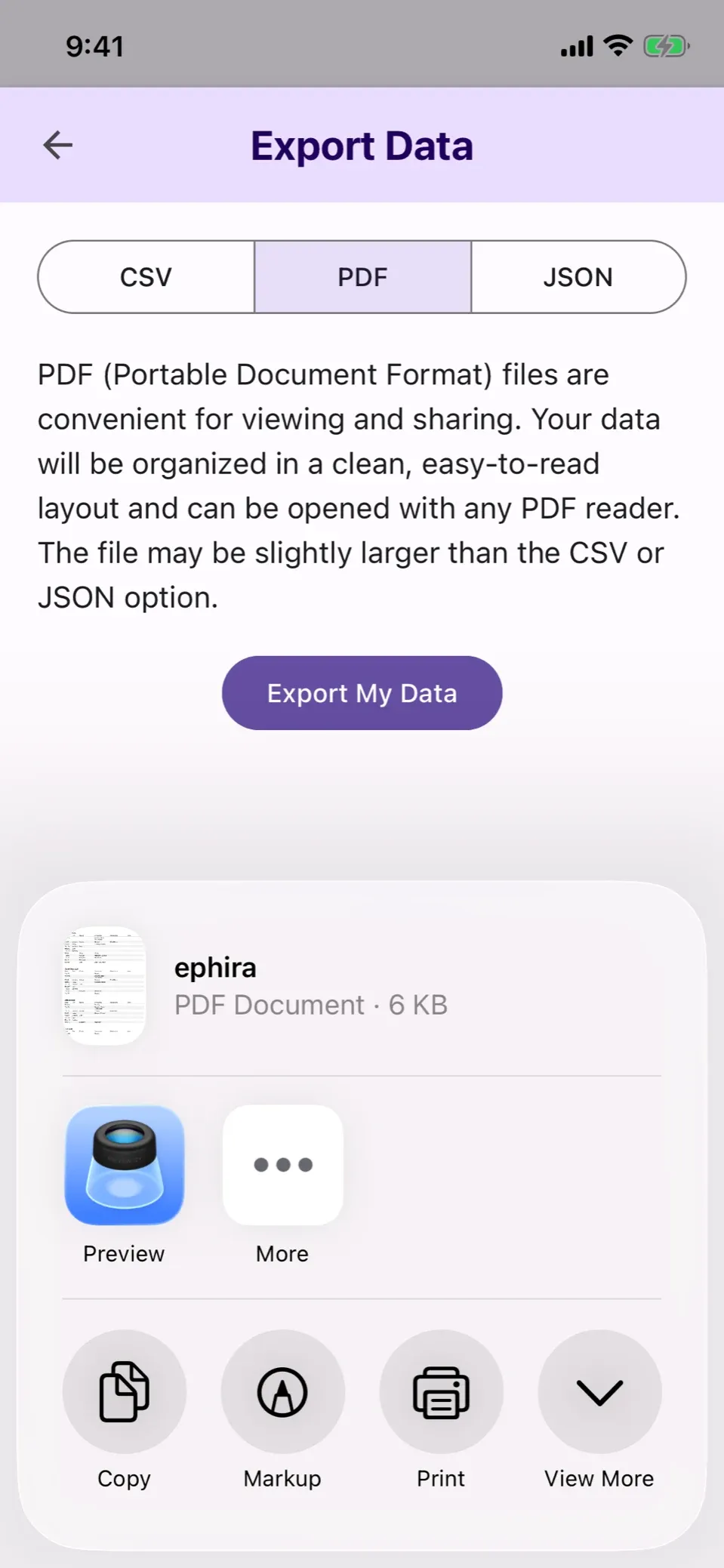
Take it with you
Your flow, symptoms, moods, medications, birth control and notes, as CSV, PDF or JSON.


Questions
Where is my data stored?
On your phone, in a database encrypted with SQLCipher. Its key is locked to that phone, so a backup restores your data only to the phone it came from. A backup made before ephira began encrypting can still hold a readable copy.
Do I need an account?
No. Install it and start logging. The optional lock uses your phone's own unlock, passcode included, or a password you set in the app.
What happens when I change phones?
Your data does not move to a new phone, and the app cannot import an export. Export first to keep a copy of your flow, symptoms, moods, medications, birth control and notes.
When do predictions start?
Once you have logged two periods of three or more consecutive flow days, turn on Cycle Predictions in Settings.
How do I delete my data?
In Settings, open Data and choose Delete Data. Uninstalling the app deletes its data too.
Can I check any of this?
Yes. ephira is MIT licensed and the whole source is on GitHub.